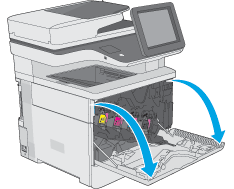
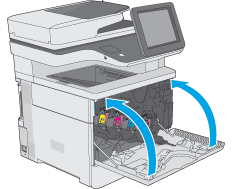
- Open the front door.
Figure : Open the door

-
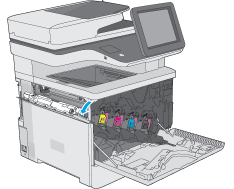
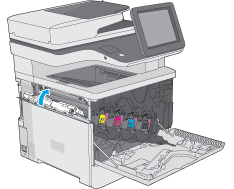
Open the toner-collection-unit door on the upper-left side of the printer.
Figure : Open the toner-collection unit door
-
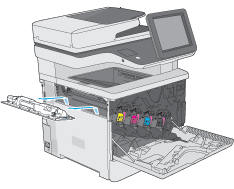
Pull out the toner-collection unit and the attached door.
Figure : Remove the toner-collection unit
-
Remove the new toner-collection unit from its packaging.
Figure : New toner-collection unit
-
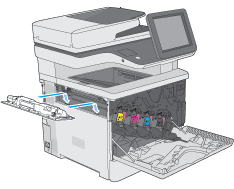
Install the new toner-collection unit and the attached door into the printer. Align the tabs on the door with the slots in the printer.
Figure : Install the toner-collection unit
-
Close the toner-collection unit door.
Figure : Close the toner-collection unit door
-
Close the front door.
Figure : Close the door